How it looks
Open a notebook. Click the icon. Tick. Export.
Sourcebook lives in the toolbar. It reads the notebook's source list through NotebookLM's own interface, so it works regardless of how the page is laid out.
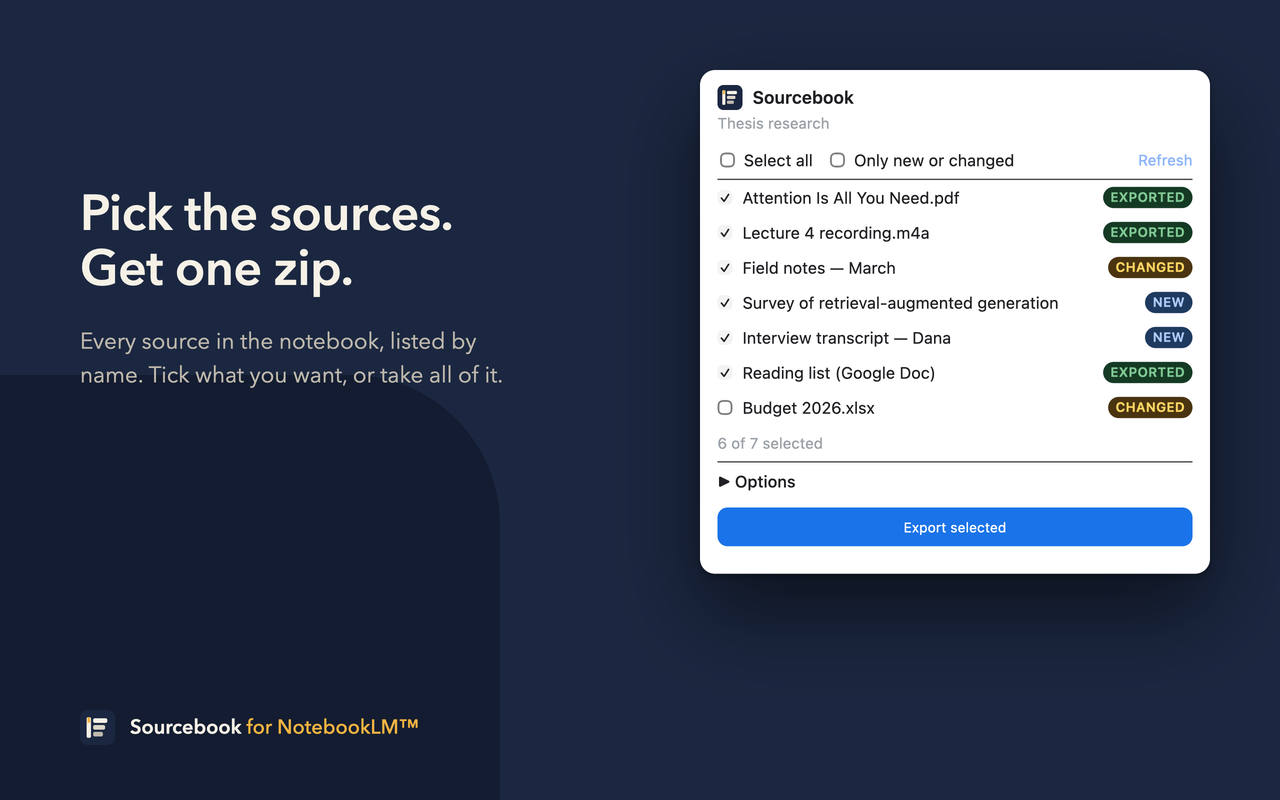
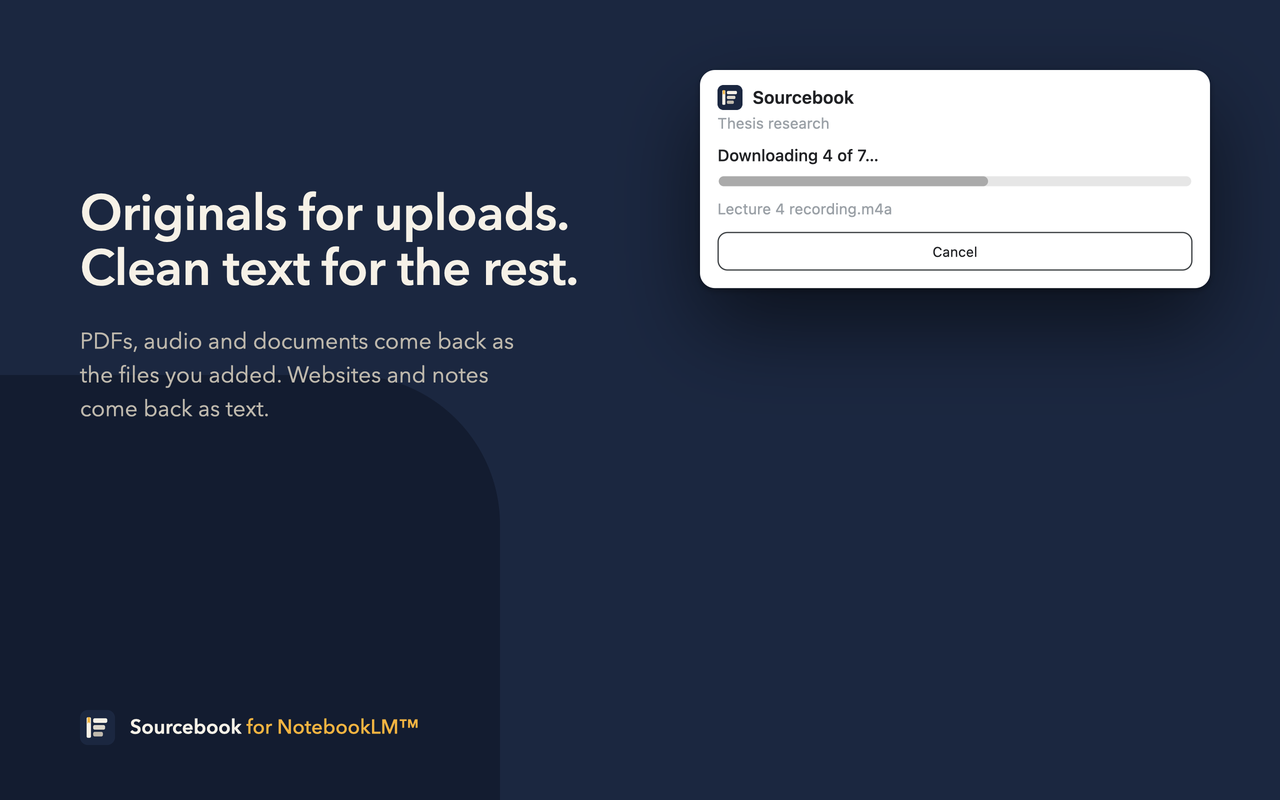
Sourcebook exports everything a NotebookLM notebook is built on — original files for what you uploaded, clean text for the rest — and remembers what it took, so the next export is only what changed.
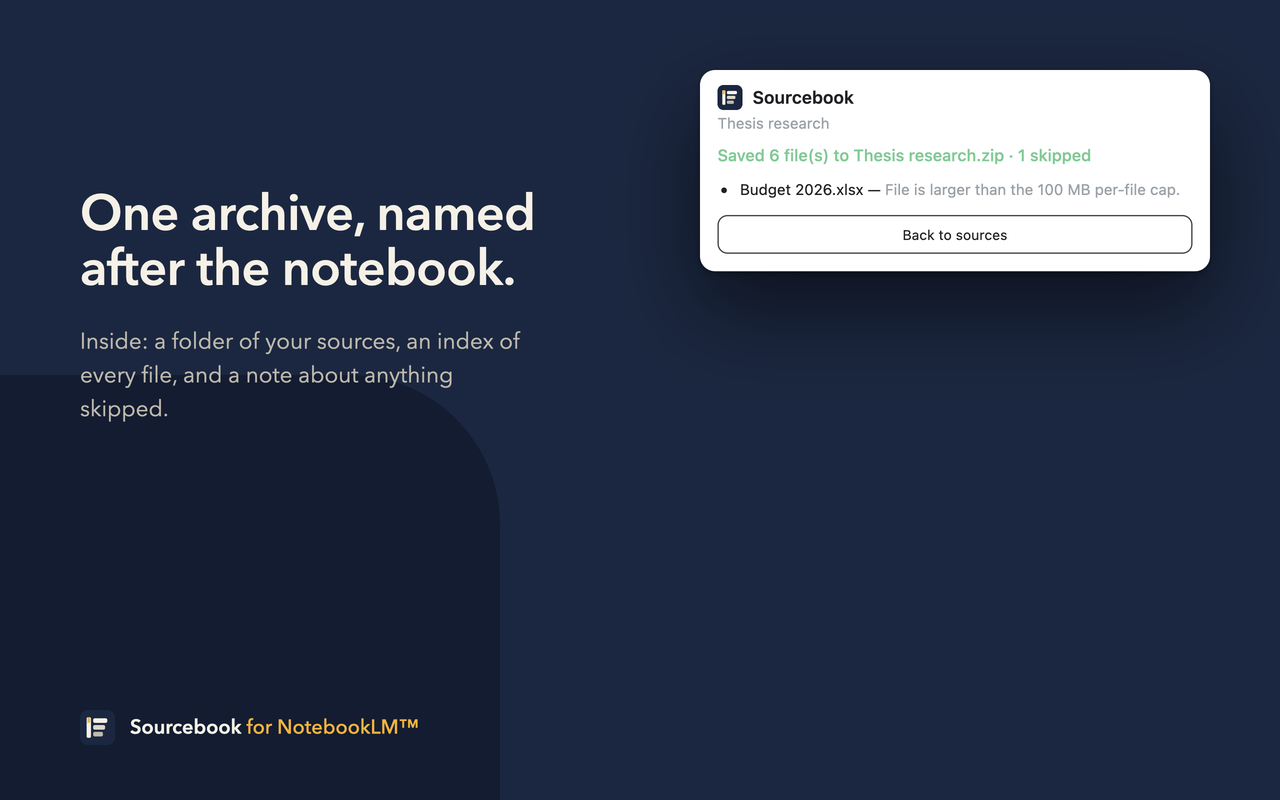
One zip, named after the notebook. Inside it, every source you picked, as the kind of file it actually is, plus an index that says exactly what's there.
PDFs, audio, slides and documents come back byte-for-byte as the files you added — not a summary, not a re-render.
Websites, pasted notes, YouTube transcripts and Docs sources are written out as plain .txt, one paragraph per line.
index.json lists every file with its type, size and SHA-256. If anything couldn't be fetched, errors.txt says which and why.
Thesis research.zip
└── Thesis research/
    ├── Attention Is All You Need.pdf
    ├── Lecture 4 recording.m4a
    ├── Field notes — March.txt
    ├── Survey of retrieval-augmented generation.txt
    ├── Interview transcript — Dana.txt
    ├── Reading list (Google Doc).txt
    ├── index.json      ids · titles · types · sizes · sha256
    └── errors.txt      only if something was skipped
Sourcebook lives in the toolbar. It reads the notebook's source list through NotebookLM's own interface, so it works regardless of how the page is laid out.
Every exported source gets a content fingerprint, stored locally per notebook. Next time you open the popup, each source tells you where it stands — and one checkbox turns a full export into a delta.
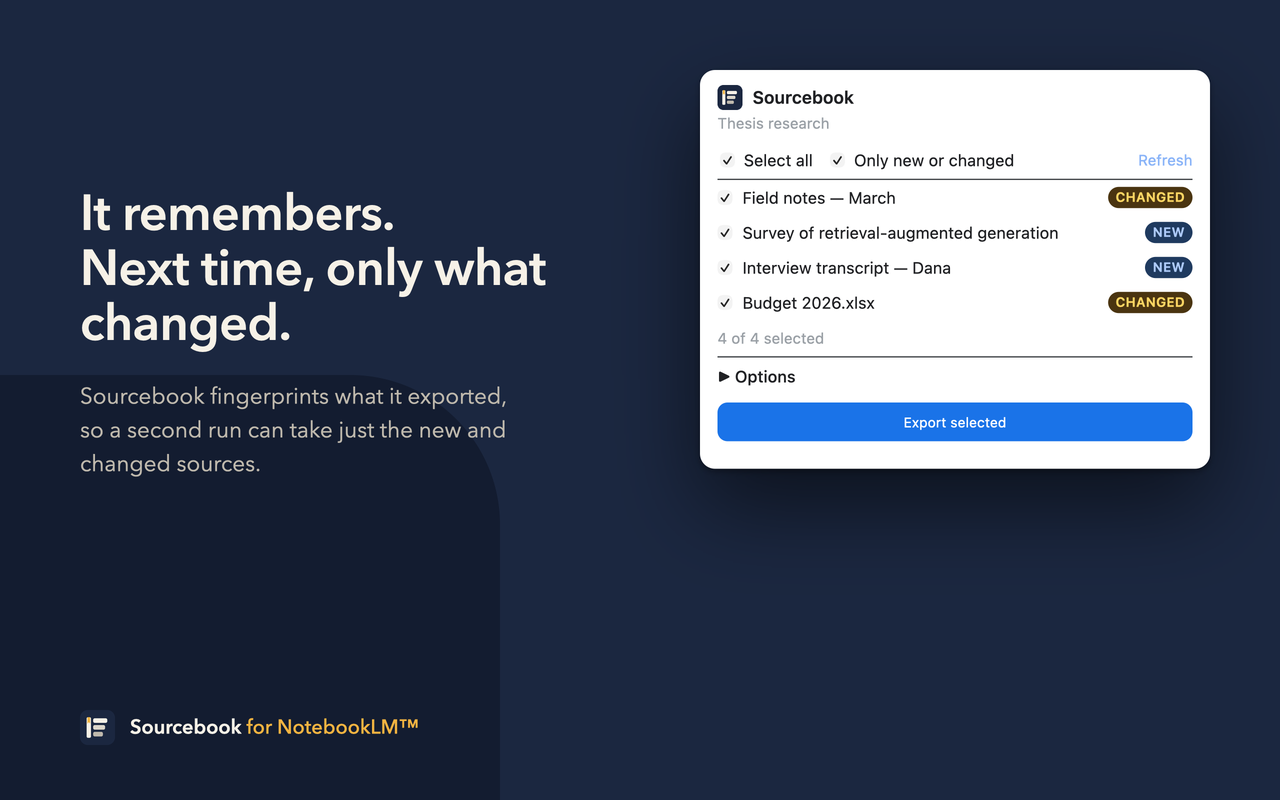
Tick Only new or changed, export, done. A notebook colleagues keep adding to becomes a folder on your disk that stays current without re-downloading a hundred PDFs.
Sourcebook uses the Google session you're already signed into and talks only to Google's own NotebookLM endpoints. There is no server, no account, no analytics.
| Limit | Value |
|---|---|
| Sources per export | 1,000 |
| Per file | 100 MB |
| Per archive (held in memory) | 300 MB — the rest is listed in errors.txt |
| Chrome | 116 or newer |
Yes. NotebookLM now lives at notebook.google.com under that name; Sourcebook supports both addresses.
Not yet. Sourcebook exports sources — the material you put in. Notebook output is on the list.
They come back as text. NotebookLM keeps a text copy of them rather than the original file.
Sourcebook uses NotebookLM's web interface, which Google changes without notice. When that happens, listing fails with a clear message rather than exporting garbage, and a fix follows. Issues and pull requests are welcome.
No. Sourcebook is an independent project. NotebookLM and Gemini are trademarks of Google LLC.
The Chrome Web Store listing is in review. Until it's live, load the extension from source — it's the same code.
git clone the repository.chrome://extensions and turn on Developer mode (top right).notebook.google.com, then click the Sourcebook icon in the toolbar.